Announcements & Reports
Announcements
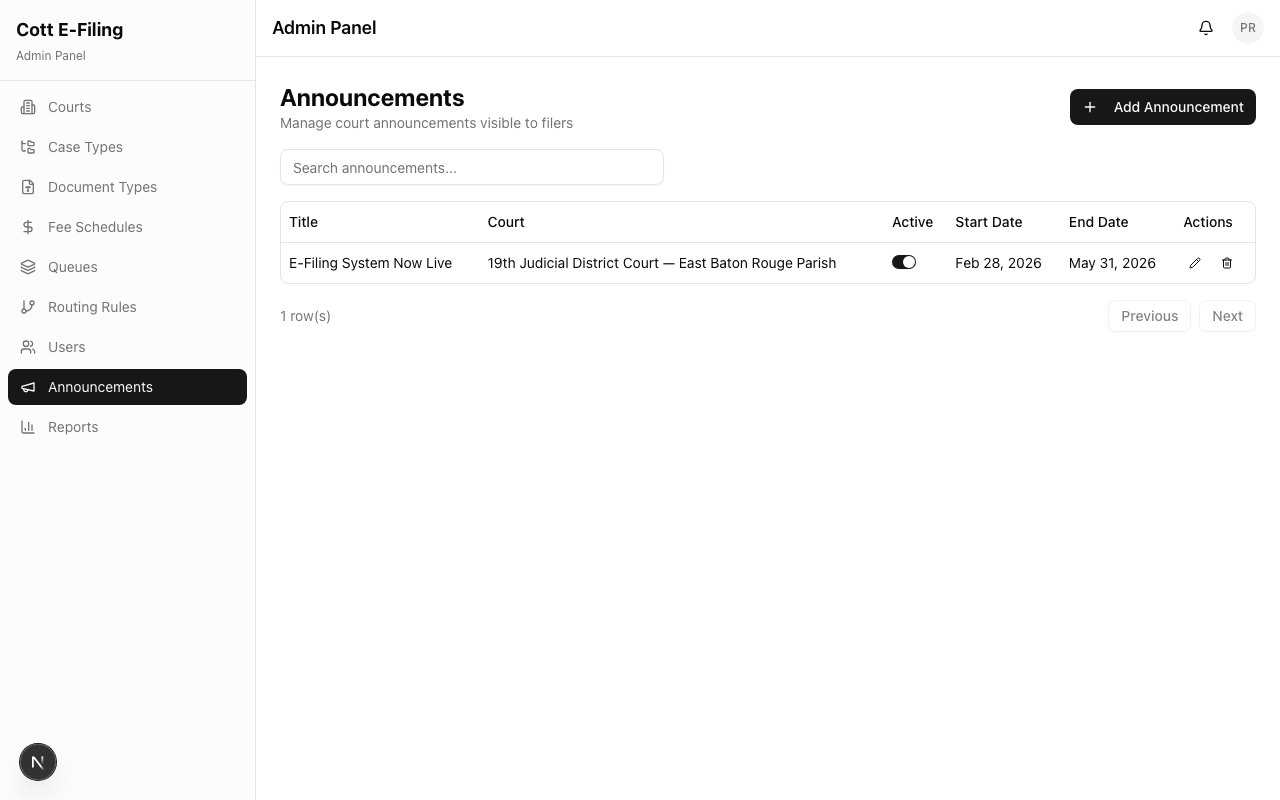
Announcements appear prominently on every filer's dashboard, making them the best way to communicate important information to attorneys and litigants.
Creating an Announcement
Navigate to Announcements in the Admin Panel.
- Click Add Announcement
- Select the Court this announcement is for
- Enter a Title and Body
- Set Start Date and End Date — the announcement only displays during this window
What to Announce
| Type | Example |
|---|---|
| Court closures | "The 19th JDC will be closed Dec 24–25. Filings submitted during this time will be reviewed Dec 26." |
| Deadline reminders | "All year-end filings must be submitted by December 31 at 11:59 PM." |
| System maintenance | "CottFile will be briefly unavailable Saturday 2:00–4:00 AM for maintenance." |
| New requirements | "Effective January 1, Family filings must include a Domestic Relations Cover Sheet." |
| Fee changes | "Civil filing fees have been updated effective July 1. See fee schedule for details." |
Tip: Keep announcements concise and actionable. Filers scan their dashboard quickly — lead with the most important information.
Reports
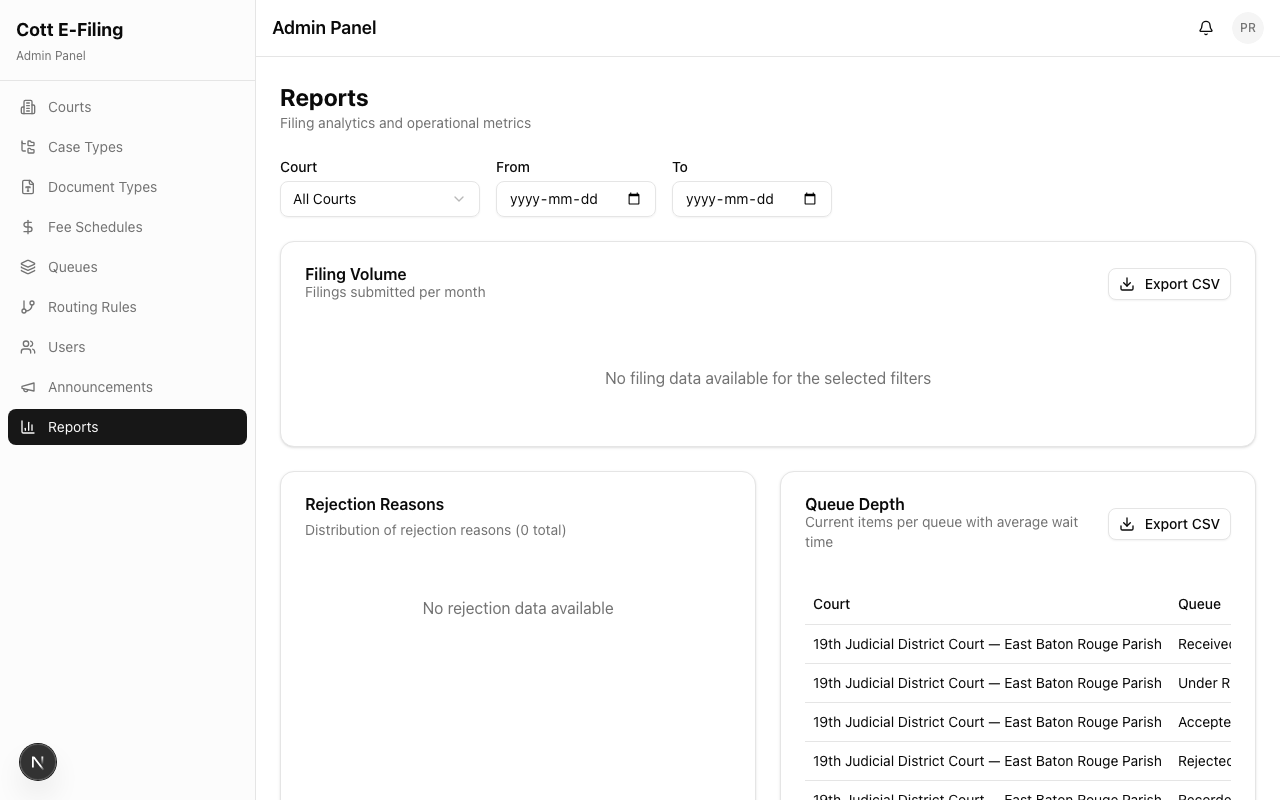
The Reports dashboard gives you visibility into how your court's e-filing system is performing. Use it to spot trends, identify bottlenecks, and make data-driven staffing and workflow decisions.
Navigate to Reports in the Admin Panel.
Available Report Categories
Filing Volume
- Total filings over time (daily, weekly, monthly)
- Breakdown by case type
- Period-over-period trends and comparisons
Rejection Rates
- Percentage of filings rejected
- Most common rejection reasons
- Which case types have the highest rejection rates
Queue Depth
- Current number of items in each queue
- Average time a filing spends in each stage
- Bottleneck identification — queues where filings are backing up
Clerk Productivity
- Filings reviewed per clerk
- Average review time
- Accept/reject ratios by clerk
Turning Data into Action
| What You See | What to Do |
|---|---|
| High rejection rate for a case type | Publish an announcement with filing instructions; review document type labels |
| Long queue wait times | Add clerks to the queue, adjust routing, or enable round-robin assignment |
| Uneven clerk workload | Switch from manual to round-robin, or rebalance court assignments |
| Spike in filing volume | Plan additional staffing for peak periods |